


MiraBox D92 PC 보조 모니터
Black이 상품이 재입고되면 알림을 받으세요
눌러서 드래그하여 보기
실제 사용 환경에서 만나는 D92


1. 9.2인치 트루 컬러 LCD 화면
500cd/m² 밝기와
선명한 1920×462 해상도로
생생한 화면을 제공합니다.
2. 간편한 USB 연결
USB 케이블 하나 또는
4핀–9핀 내부 연결로 전원과 데이터를 공급합니다.
플러그 앤 플레이 방식으로
추가 영상 포트 없이 연결해
간편하게 설치하고 케이블을 정리할 수 있습니다.
3. 알루미늄 외장
알루미늄 합금 외장과
여러 개의 사전 가공된 고정 홀로
가로나 세로 방향에 맞춰
편리하게 설치할 수 있습니다.
선명한 화면
MiraBox 9.2인치 트루 컬러 LCD 화면에서 선명한 디테일을 확인하세요. 500cd/m² 밝기와 1920×462 해상도로 생생한 영상을 표시합니다. IPS 패널과 178° 시야각으로 여러 방향에서 일관된 색상을 볼 수 있습니다.
메탈 소재 디자인
알루미늄 합금 외장으로 내구성과 디자인을 함께 고려했습니다. 제공되는 스탠드를 활용해 데스크나 PC 케이스 내부 등 사용 환경에 맞게 설치할 수 있습니다.
간편한 USB 연결
USB 케이블 하나 또는 4핀–9핀 내부 연결로 전원과 데이터를 공급하므로 HDMI 포트가 필요하지 않습니다. 호환 환경에서 간편하게 연결하고 케이블을 정리할 수 있습니다.
GPU 리소스 사용 안내
일반적인 영상 출력 방식 대신 별도 하드웨어 기술로 그래픽 카드와 독립적으로 작동하도록 설계했습니다. 게임이나 창작 작업 중 보조 화면을 활용할 수 있으며 실제 시스템 부하는 사용 환경에 따라 확인해 주세요.
디스플레이 설정 소프트웨어
전용 소프트웨어의 직관적인 인터페이스로 화면을 설정하세요. 클릭 중심의 조작과화면에서 확인하며 편집하는 방식을 제공합니다. 레이아웃을 바꾸고 동영상을 배경으로 설정하거나 테마와 배경화면을 개인화할 수 있습니다.
화면 녹화 테마 배경
호환 Wallpaper Engine 기능으로 동적 효과를 설정할 수 있습니다.
화면 녹화용 테마 배경을 활용할 수 있습니다.
선명한 색상과 화면으로 몰입감 있는 시각 경험을 제공합니다.
연결 후 간편하게 설정
규격에 맞는 기본 나사를 사용해 설치할 수 있습니다.
사전 가공된 홀로 가로 또는 세로 설치가 가능합니다.
전원 연결용 전용 케이블이 포함됩니다.
제품 사양
시스템 요구 사항
Windows: Windows 7 64비트 이상
제품 사양
무게: 200g
입력 전압: 5V
LCD 크기: 9.16인치
해상도: 1920×462
연결: USB-C–USB 2.0 / 4핀–9핀
제품 크기
무게: 200g
크기(길이×너비×높이): 245×63×13mm
소재: LCD + 알루미늄 합금
화면 해상도: 1920×462
화면 연결: USB-C–USB 2.0 / 4핀–9핀
제어 방식: PC 소프트웨어
M
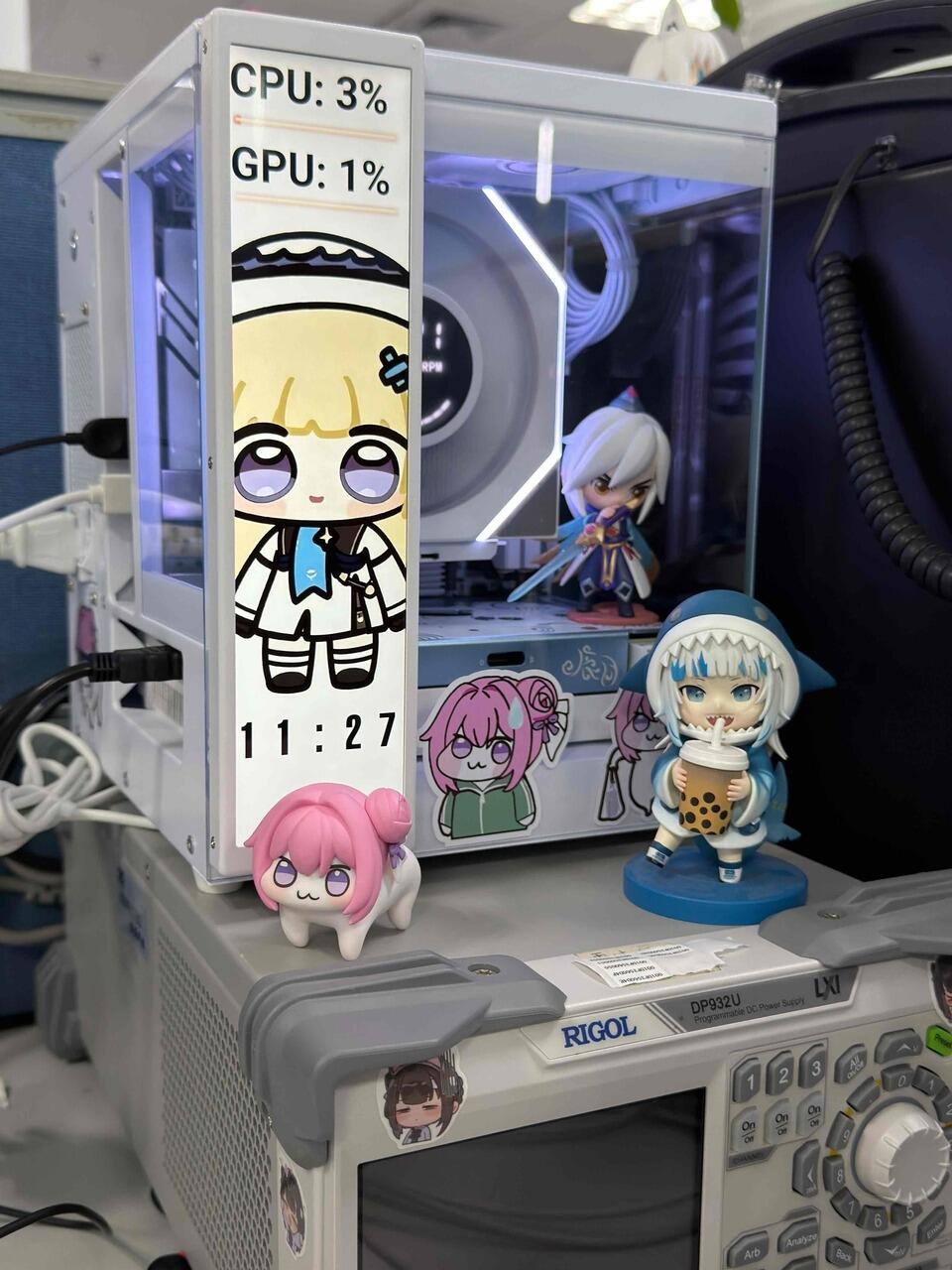
My workspace feels so much more personal and inviting now. It really adds some character to my desk setup.
D
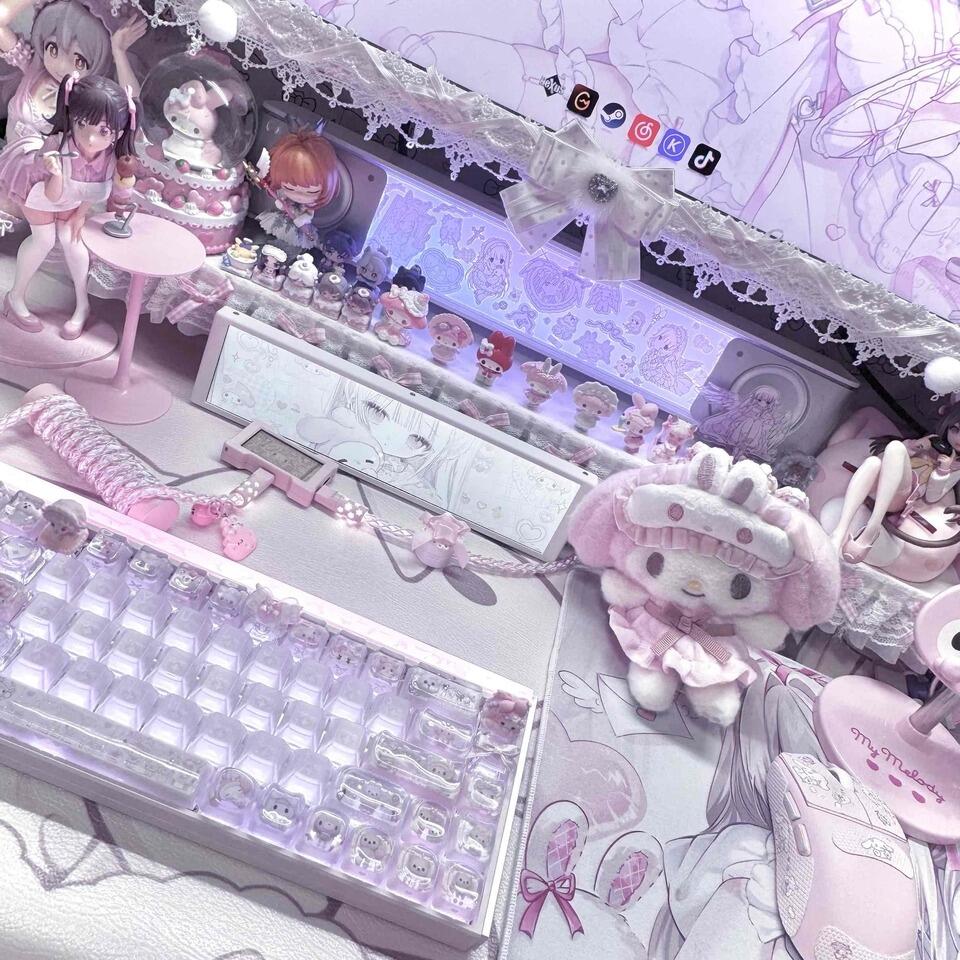
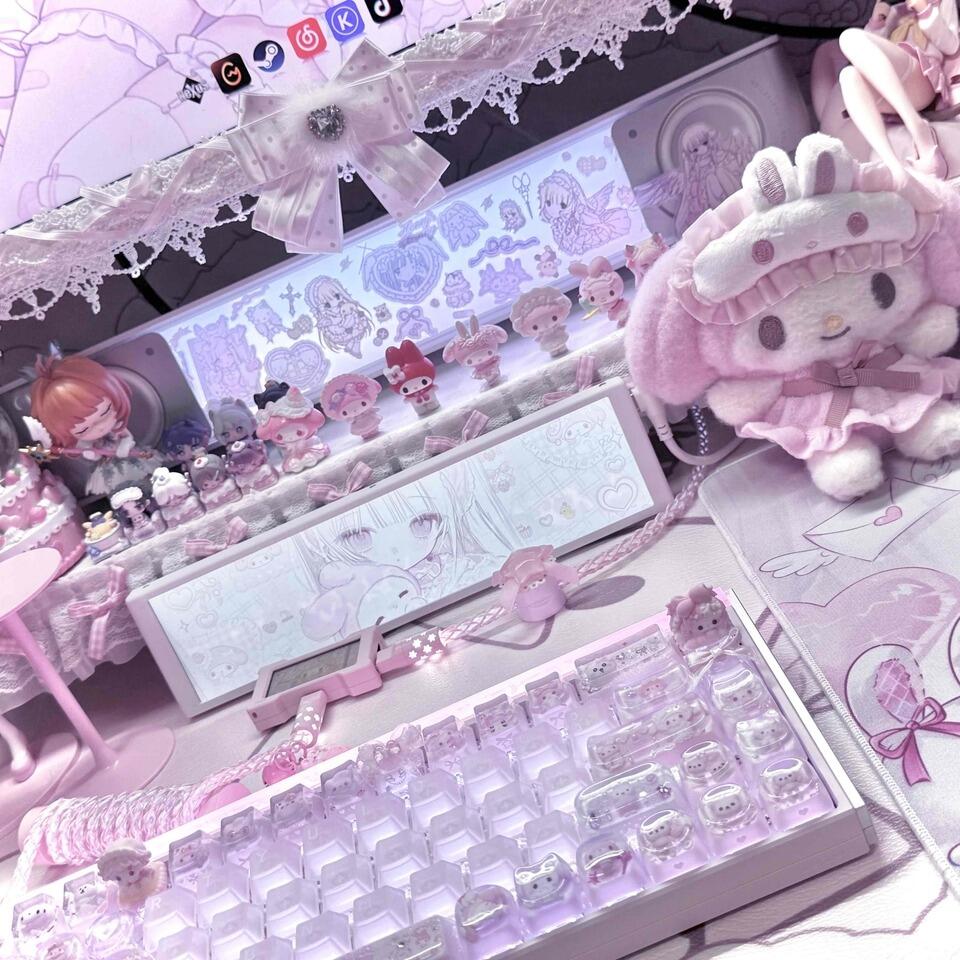
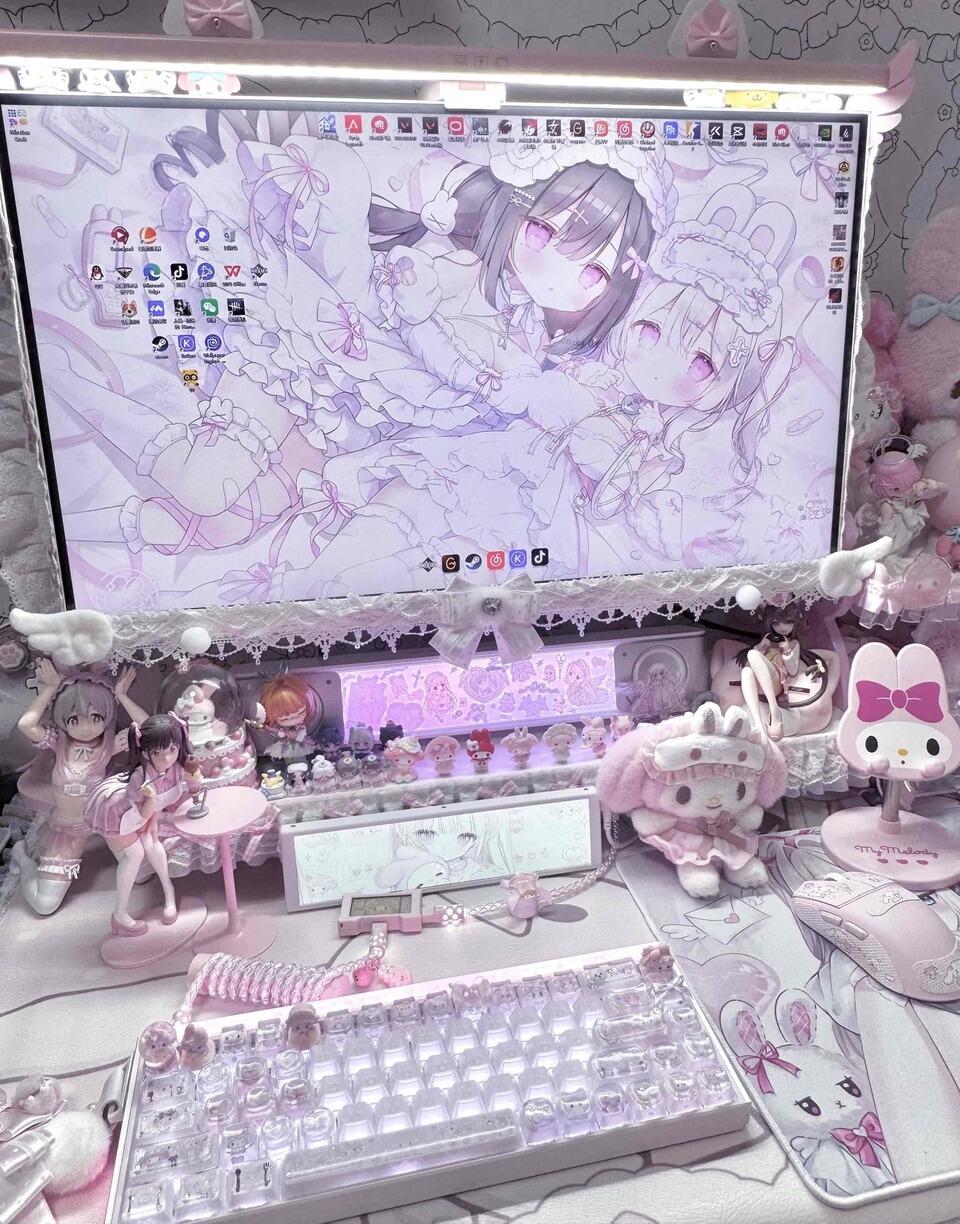
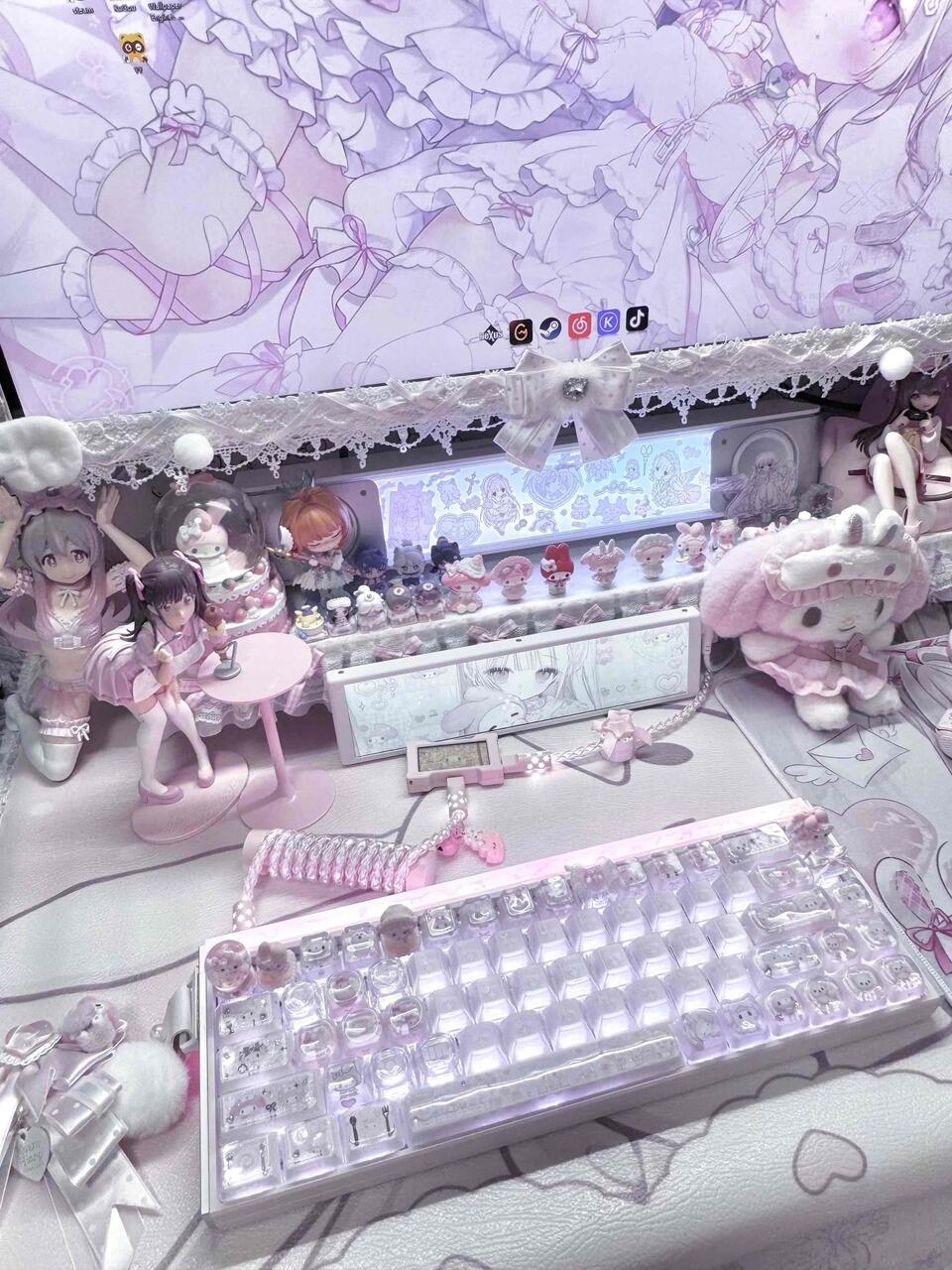
It looks so good! I’m using it as part of my desk setup, and it really adds a nice touch to the whole space.
D
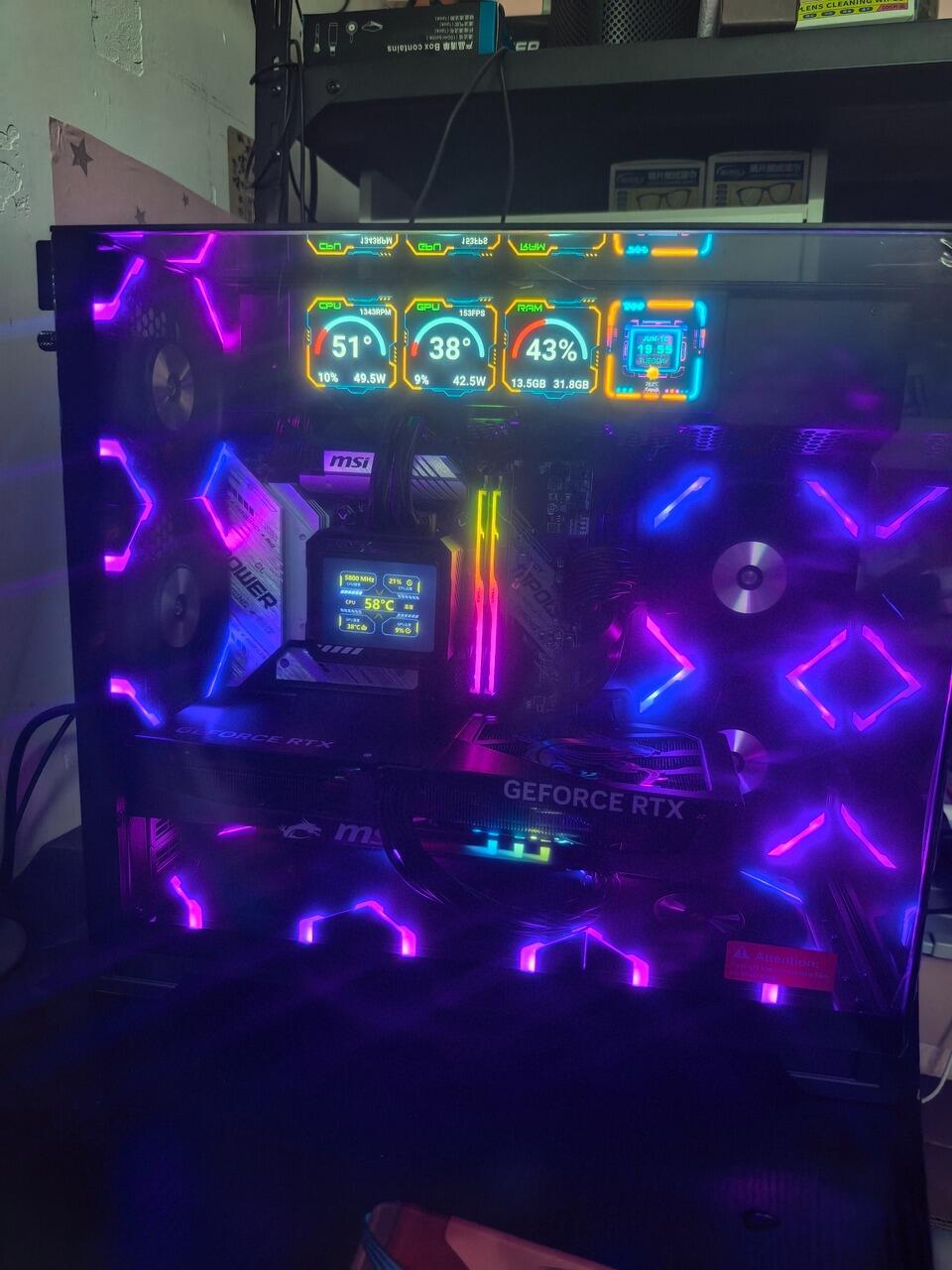
There’s so much you can do with it. It’s really fun to customize and play around with.
K
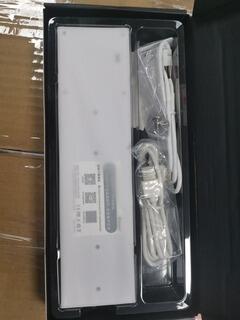
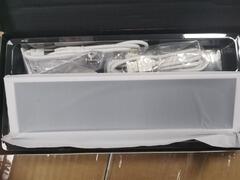
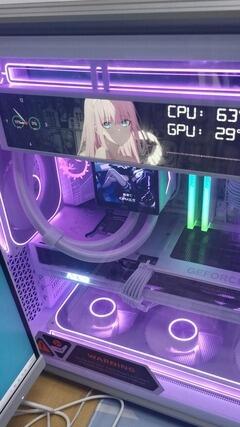
The secondary screen was really easy to install, and the visual effects look great. It looks especially good in an all-white PC setup.
L
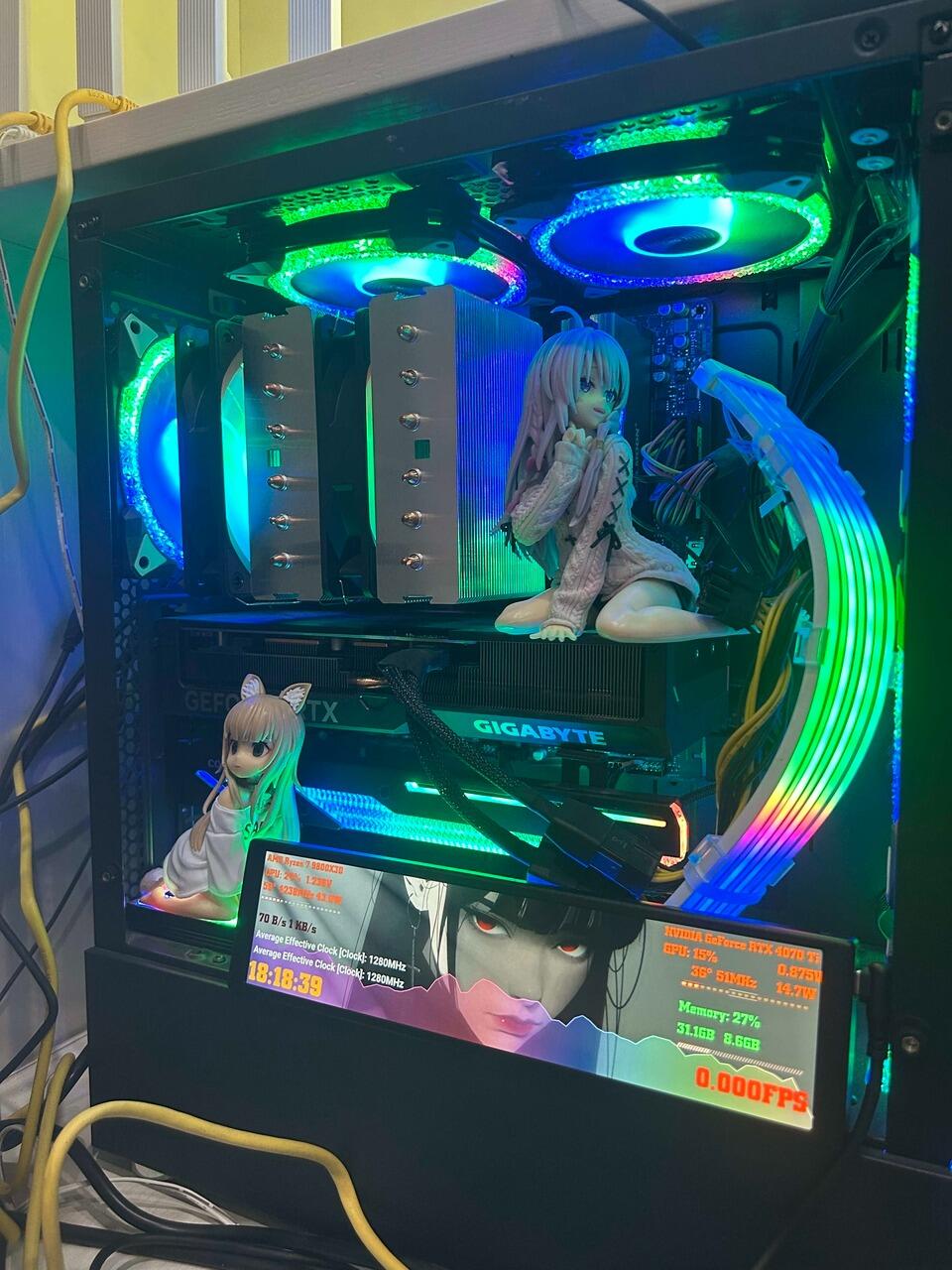
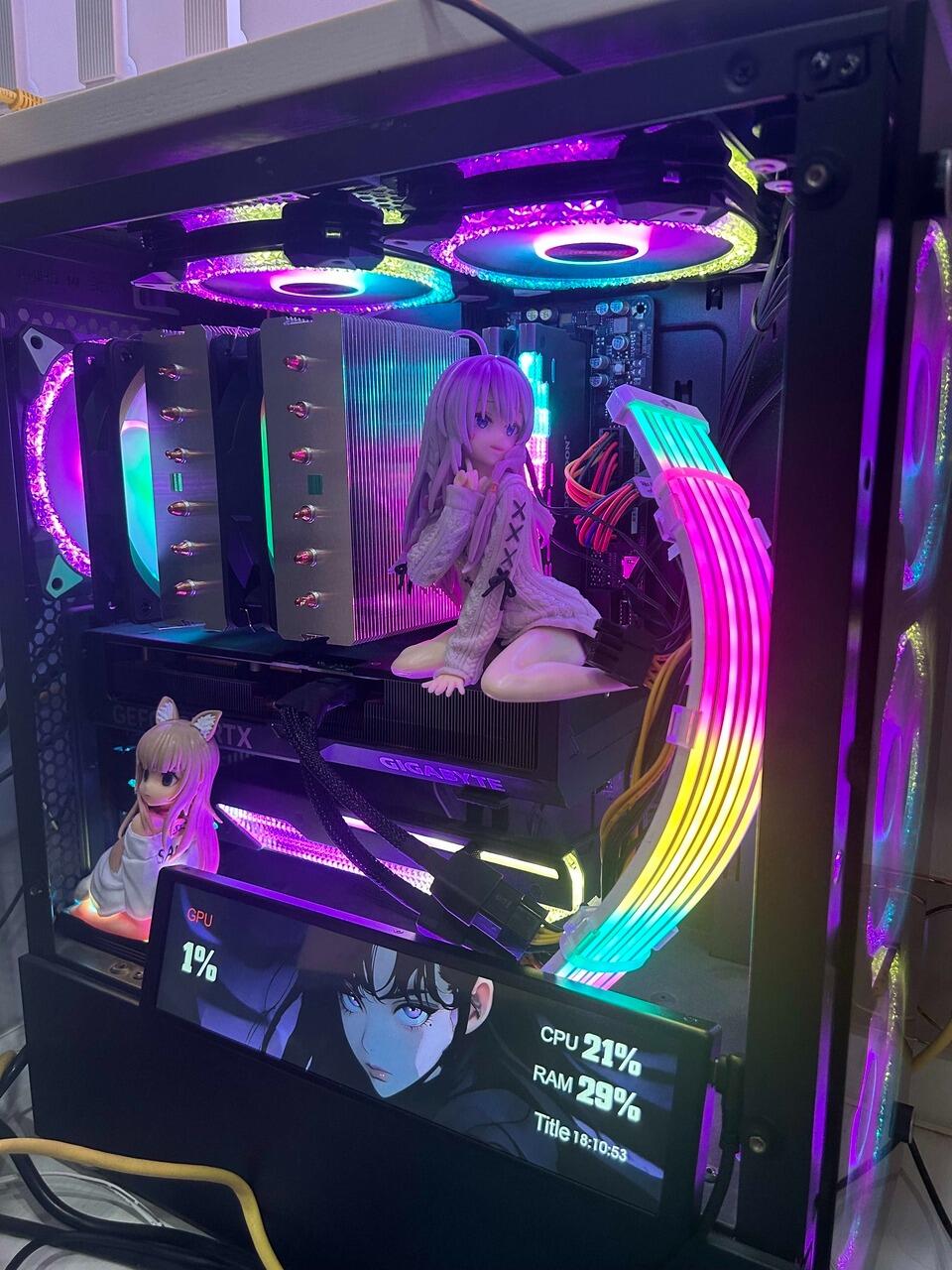
Wow, this is so much fun! There are tons of themes to choose from, and you can also create your own. The display can rotate 180°, which is really handy. The only downside is that I couldn’t tighten the stand screw enough, so I had to secure it with a nylon zip tie. Other than that, the overall effect looks amazing.
H
The metal housing feels solid and the screen is clear and sharp. It connects quickly through USB and works really well. The packaging was also very nice. Overall, I'm very happy with it.
R
At first I thought it was pretty expensive, but I decided to buy it anyway. After setting it up, I was like, wow, totally worth the money. The screen is super sharp and clear, animations run smoothly with no lag, and there are so many themes and materials to choose from that I probably won't ever use them all. Definitely deserves five stars!
O
Just got it and it looks great! There are so many features to play around with, and you can download tons of themes you like online for free. Really fun to customize. Five stars!