


01 / N4 PRO
Tap. Turn. Touch.
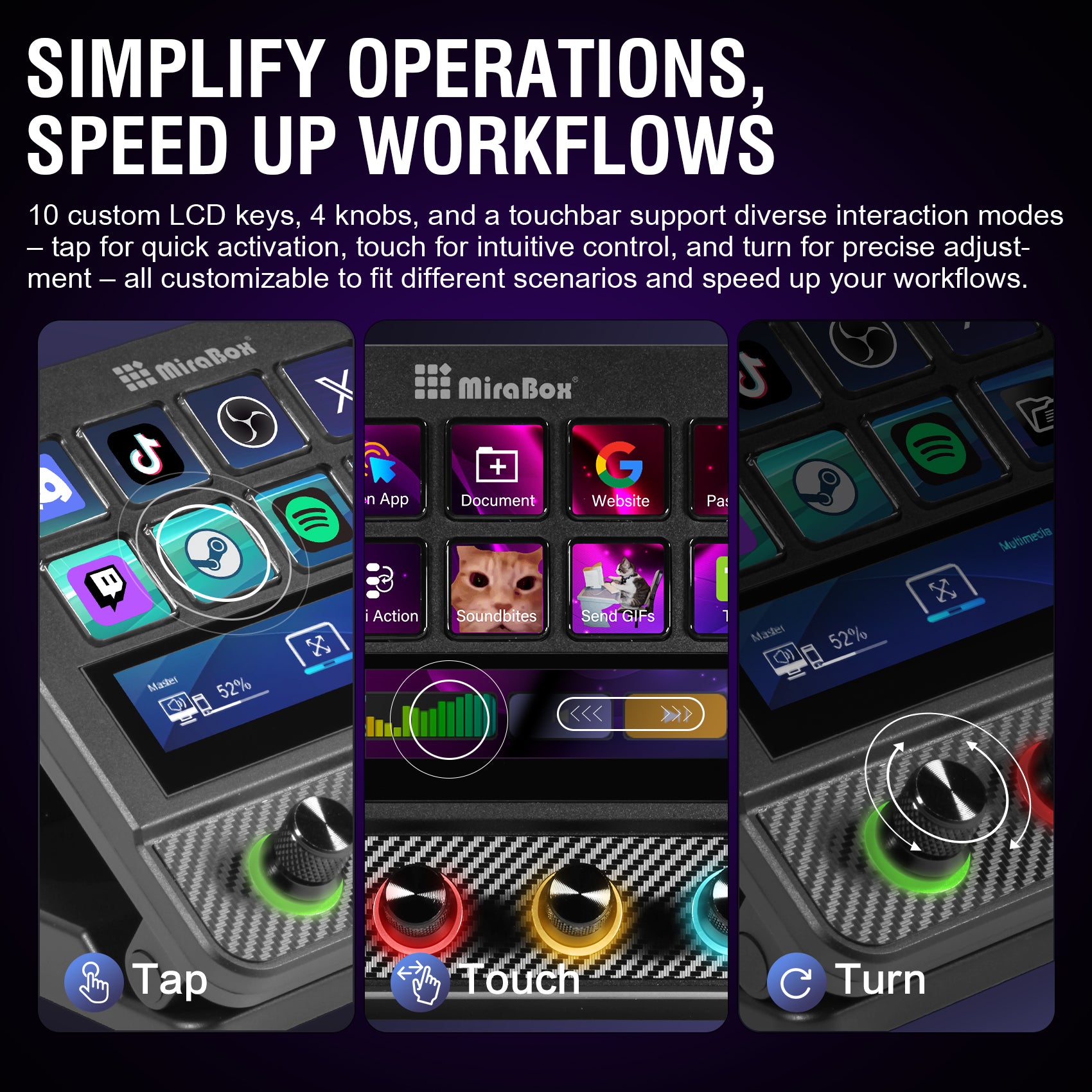
Bring 10 customizable LCD keys, four RGB metal knobs and a touch bar into one control surface. Trigger actions with a key, adjust assigned parameters with a knob, and use supported touch gestures to navigate.


MiraBox / Stream Dock N4 Pro
10 visual keys. Four RGB metal knobs. A touch bar. Bring hands-on control and USB expansion together in a desktop console shaped around your workflow.
Bring 10 customizable LCD keys, four RGB metal knobs and a touch bar into one control surface. Trigger actions with a key, adjust assigned parameters with a knob, and use supported touch gestures to navigate.
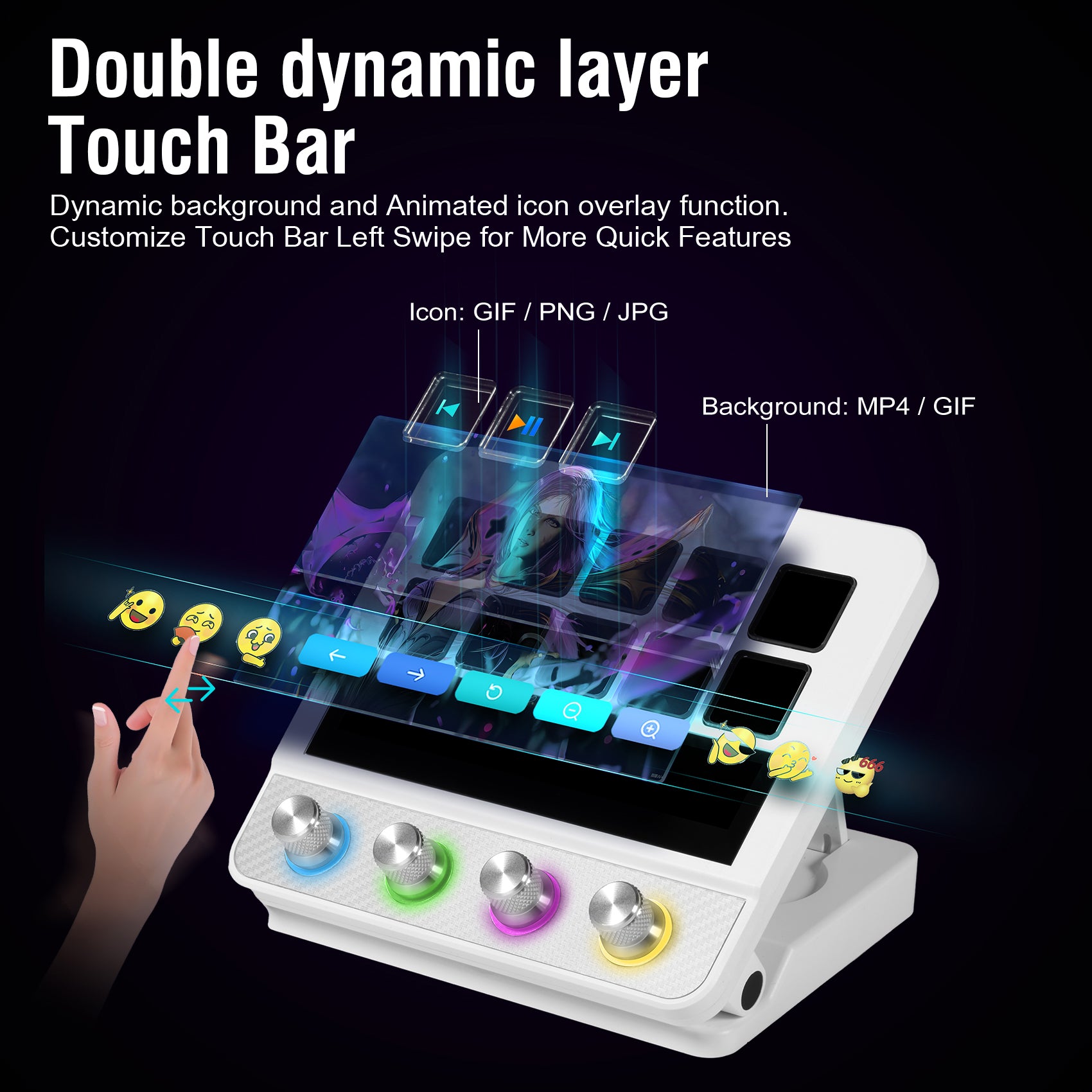
Tap or swipe through supported controls and layouts. Configure the touch bar for your workflow, with visual feedback that keeps your next action in view.
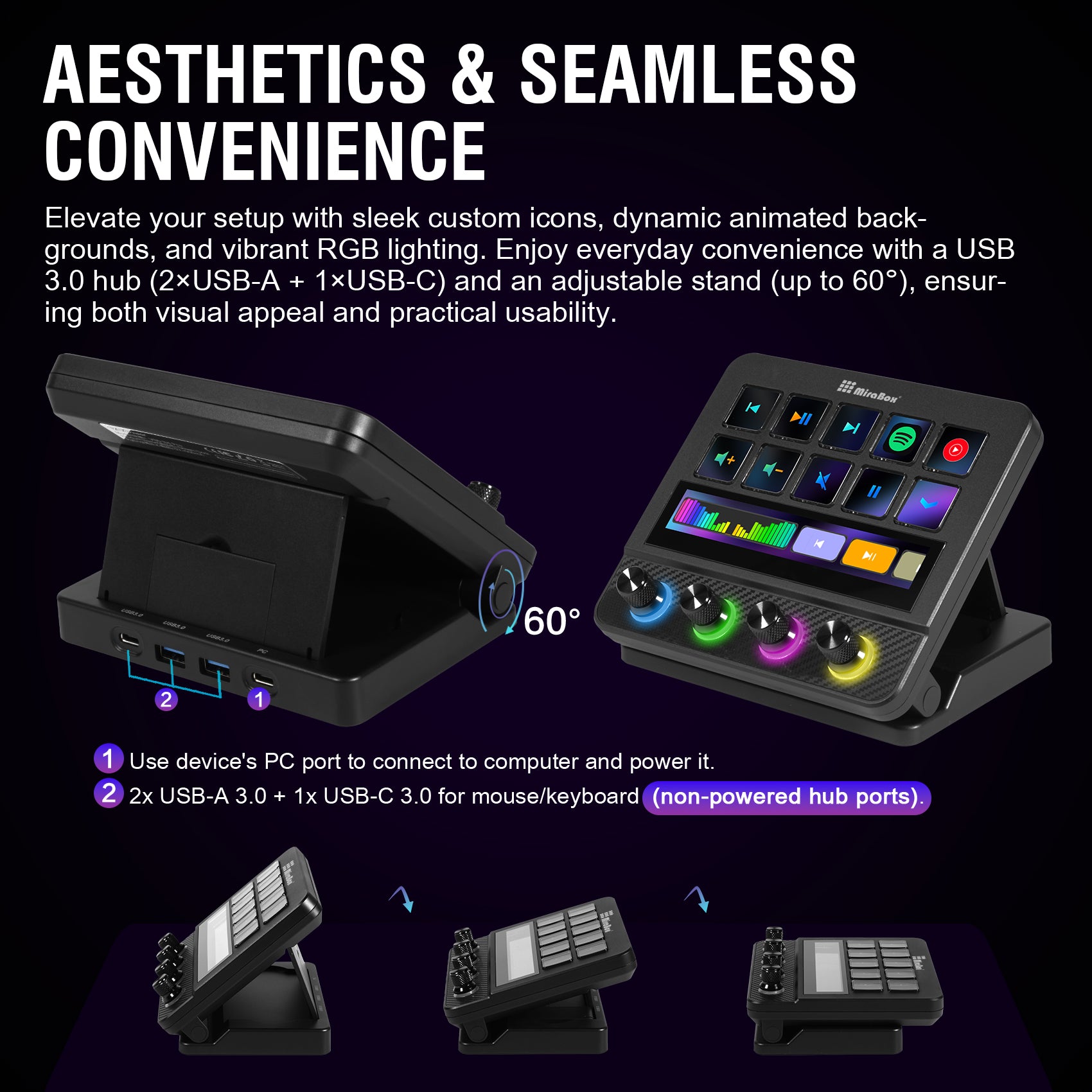
Connect compatible peripherals through two USB-A expansion ports and one USB-C expansion port. The host connection is separate. Power and data capabilities depend on the connected equipment and your setup.
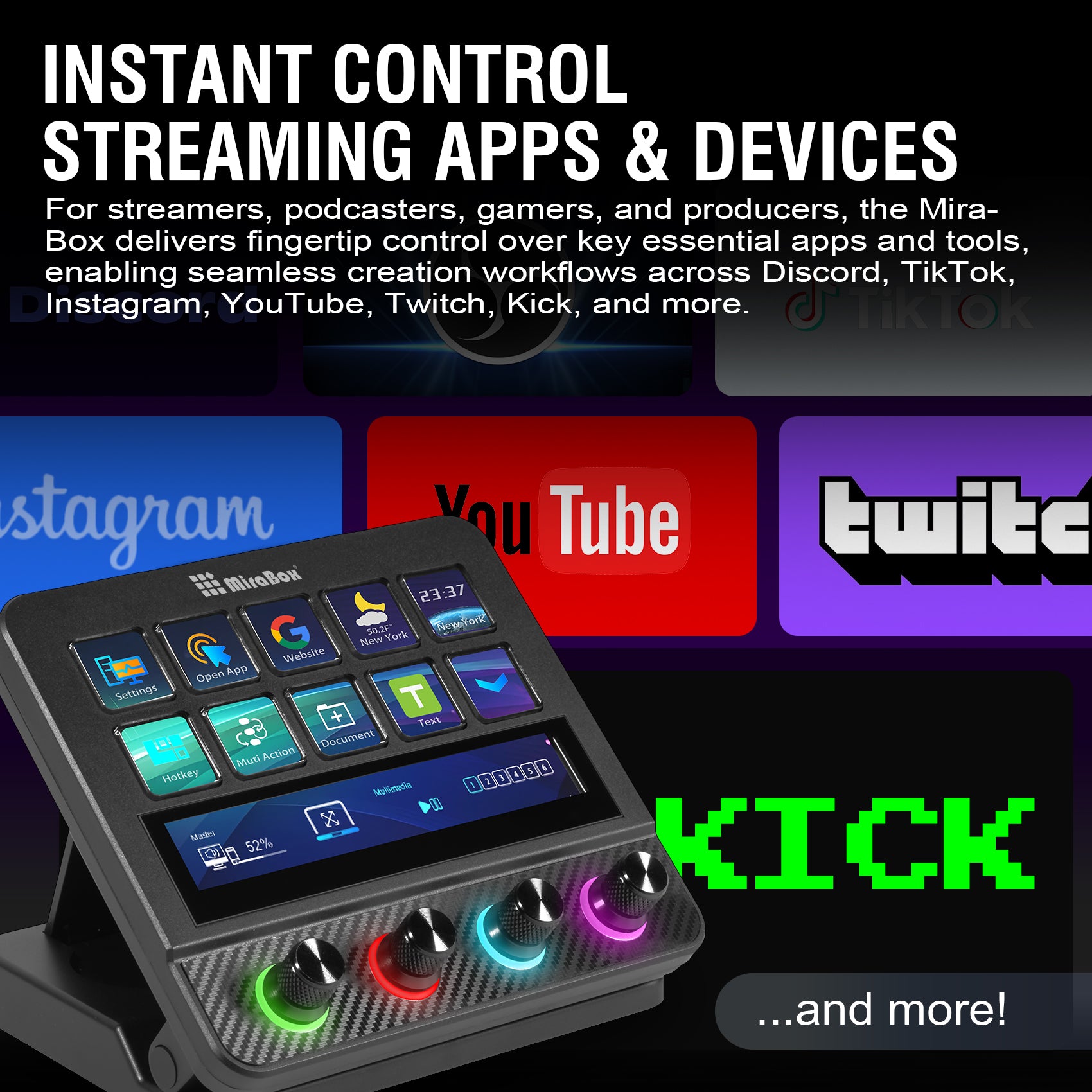
Configure supported OBS actions for scenes, recording and audio. Bring your frequently used streaming controls together without searching through app menus.
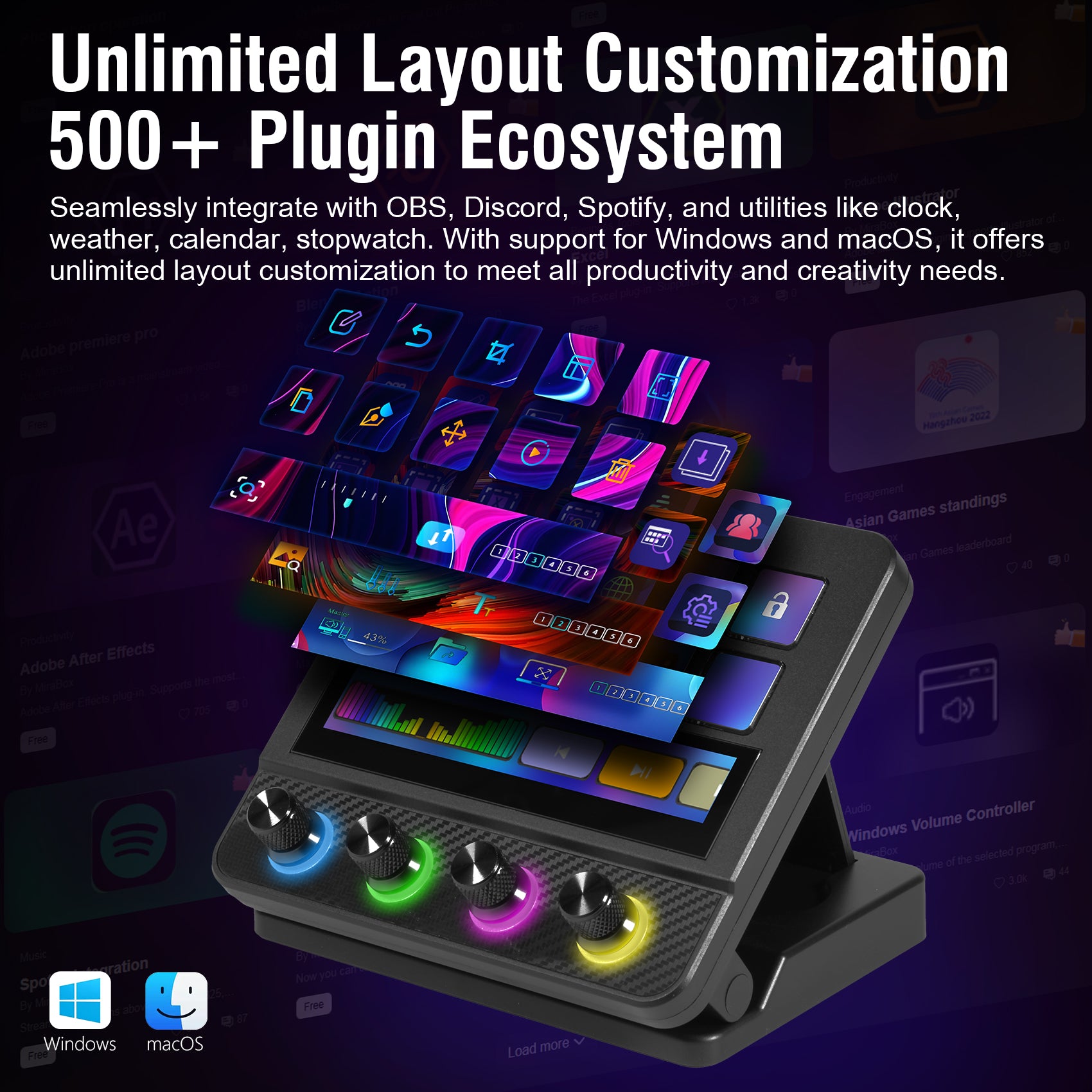
Personalize icons, backgrounds and actions for streaming, creative work and daily tasks. Compatible app-linked profiles can switch your layout with the active program after configuration.
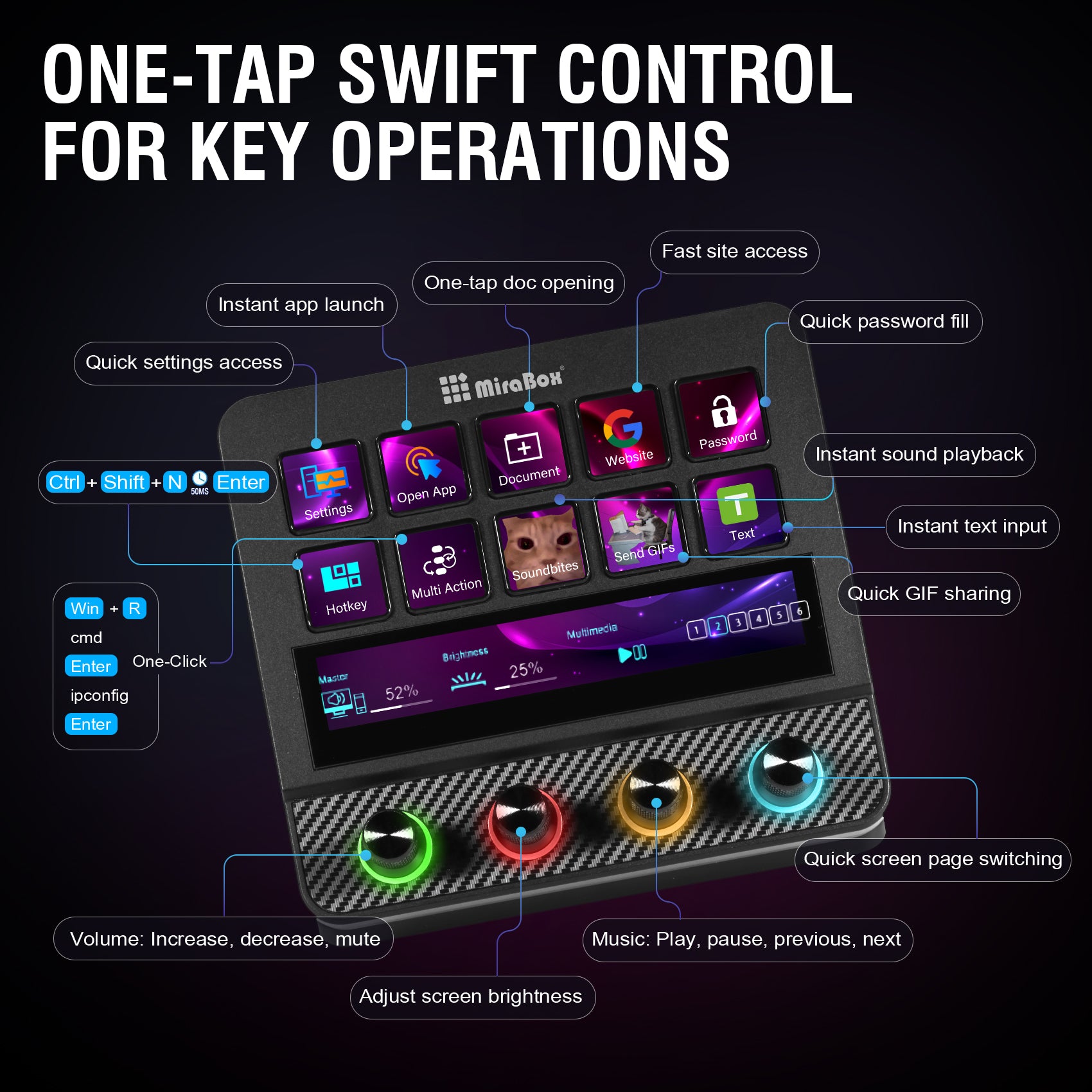
Build configured macros and shortcuts for your frequent tasks. Launch apps, open files or trigger supported action sequences from a recognizable visual key.
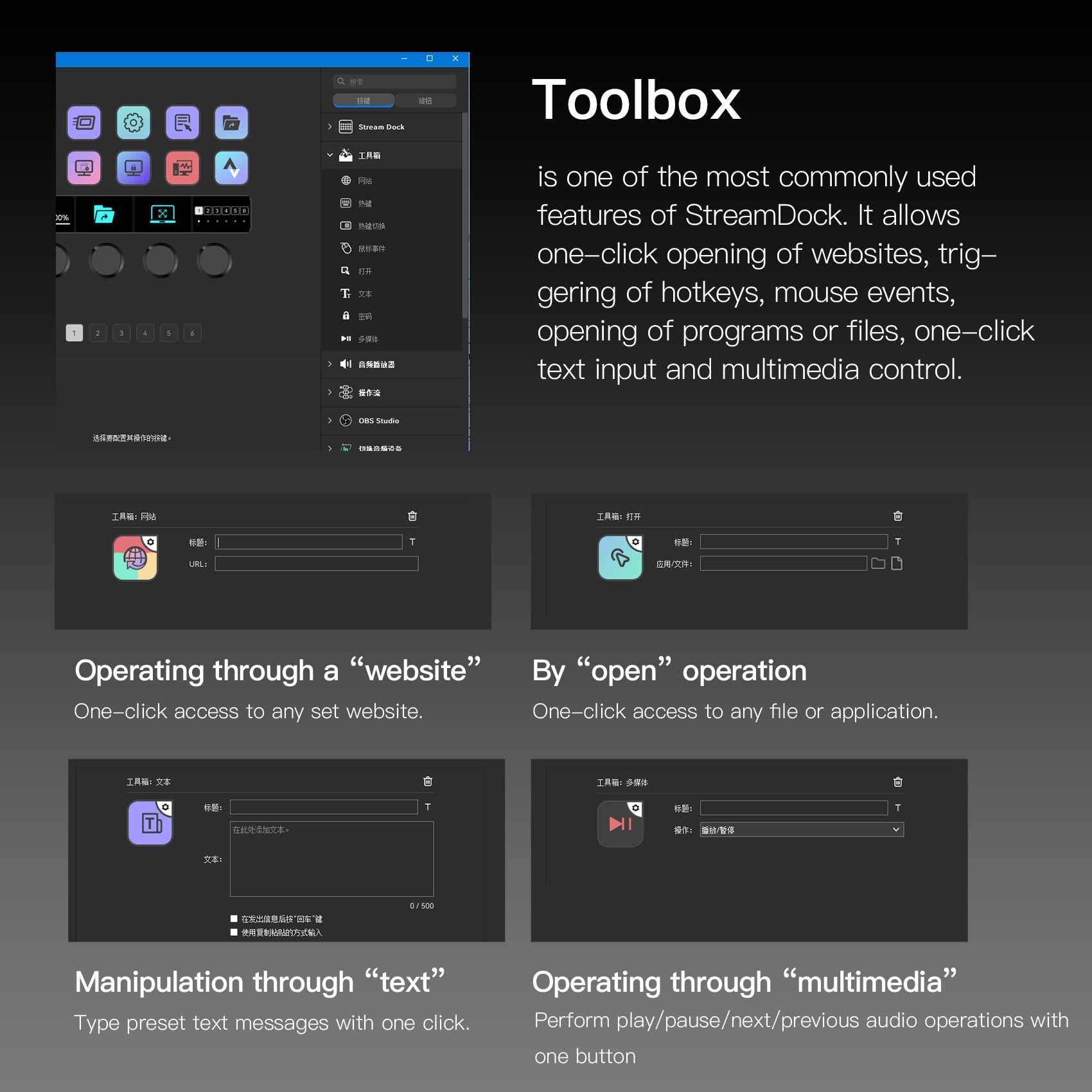
Keep websites, hotkeys, app launches, text snippets and supported media controls close. Choose the actions you use most and arrange them your way.
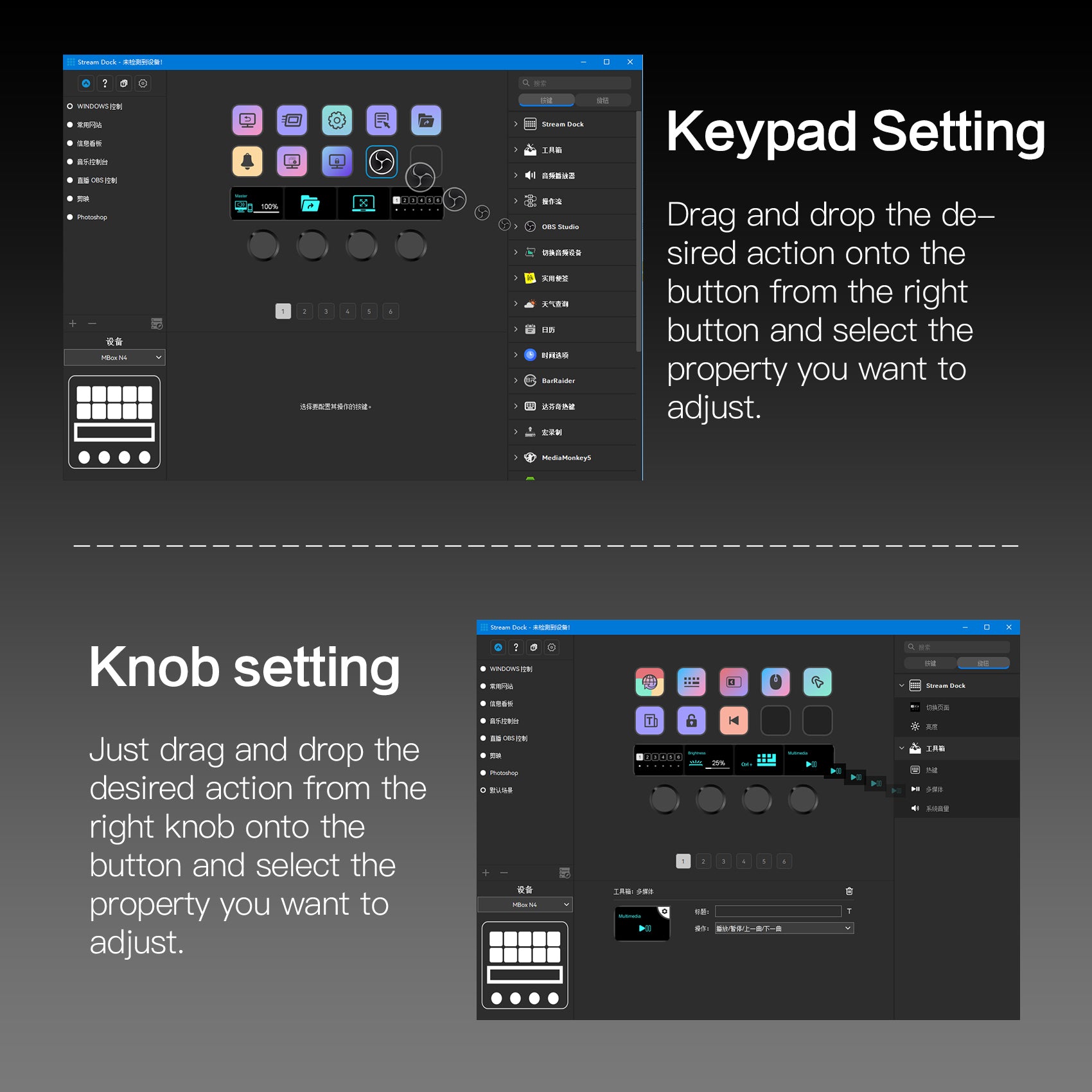
Assign supported actions to the controls, then customize their properties in MiraBox software. App-specific features depend on compatible plugins, app versions and permissions.
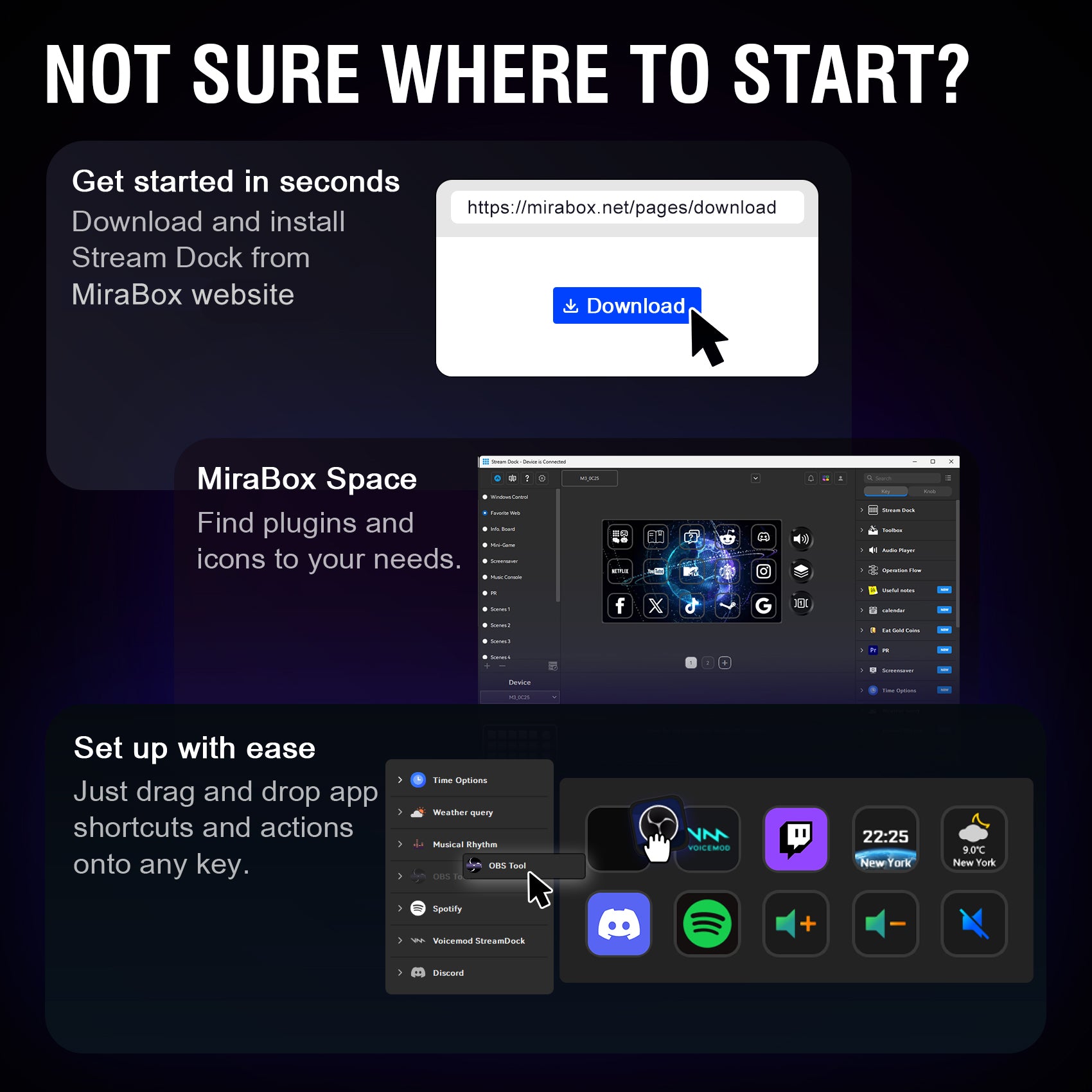
Install MiraBox software, explore available plugins and icons, then drag supported actions onto your keys and knobs. Adjust the settings to suit your apps.
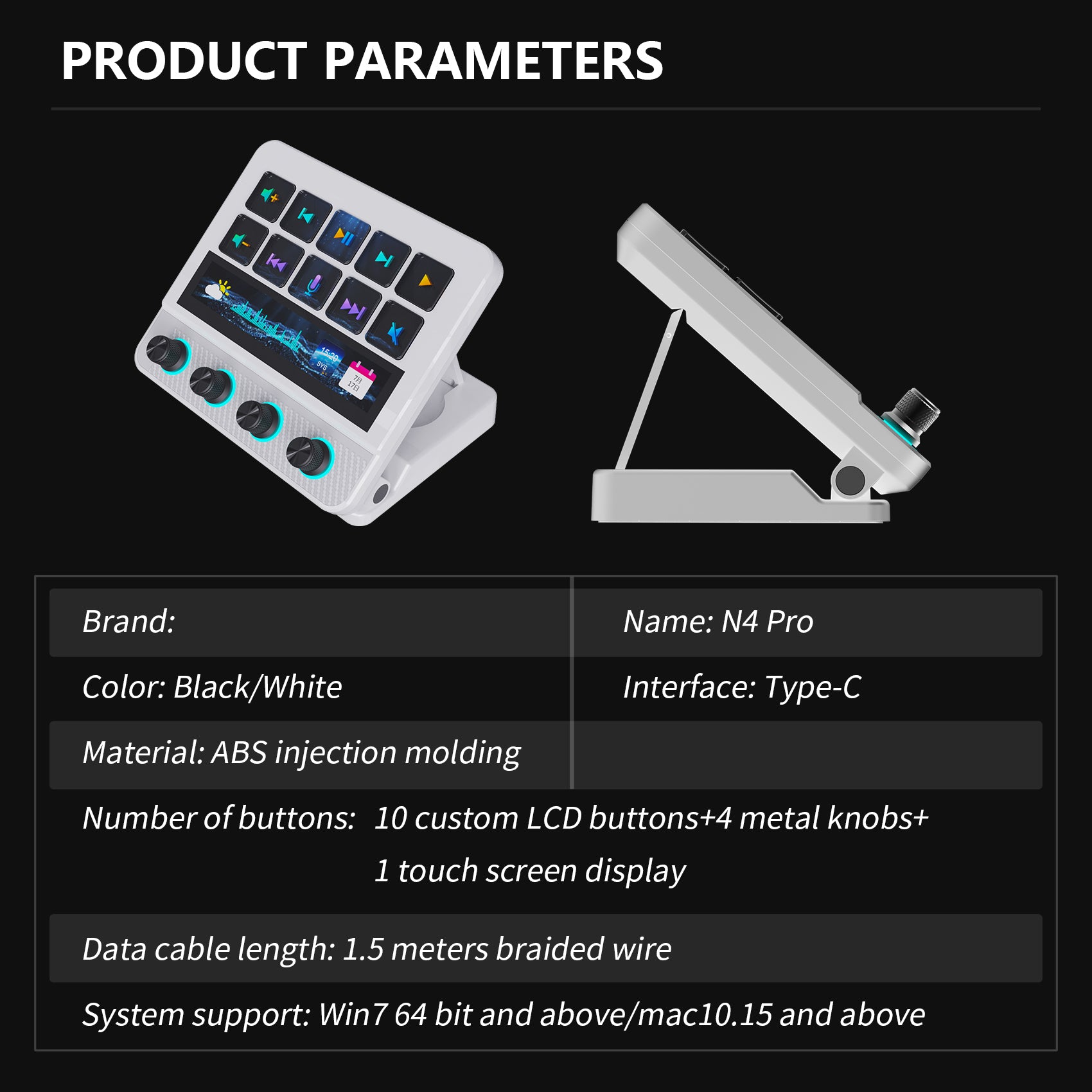
System requirement
Windows:Win7 and above
Mac:MacOs 10.15 and above
🖥️ Technical Specifications
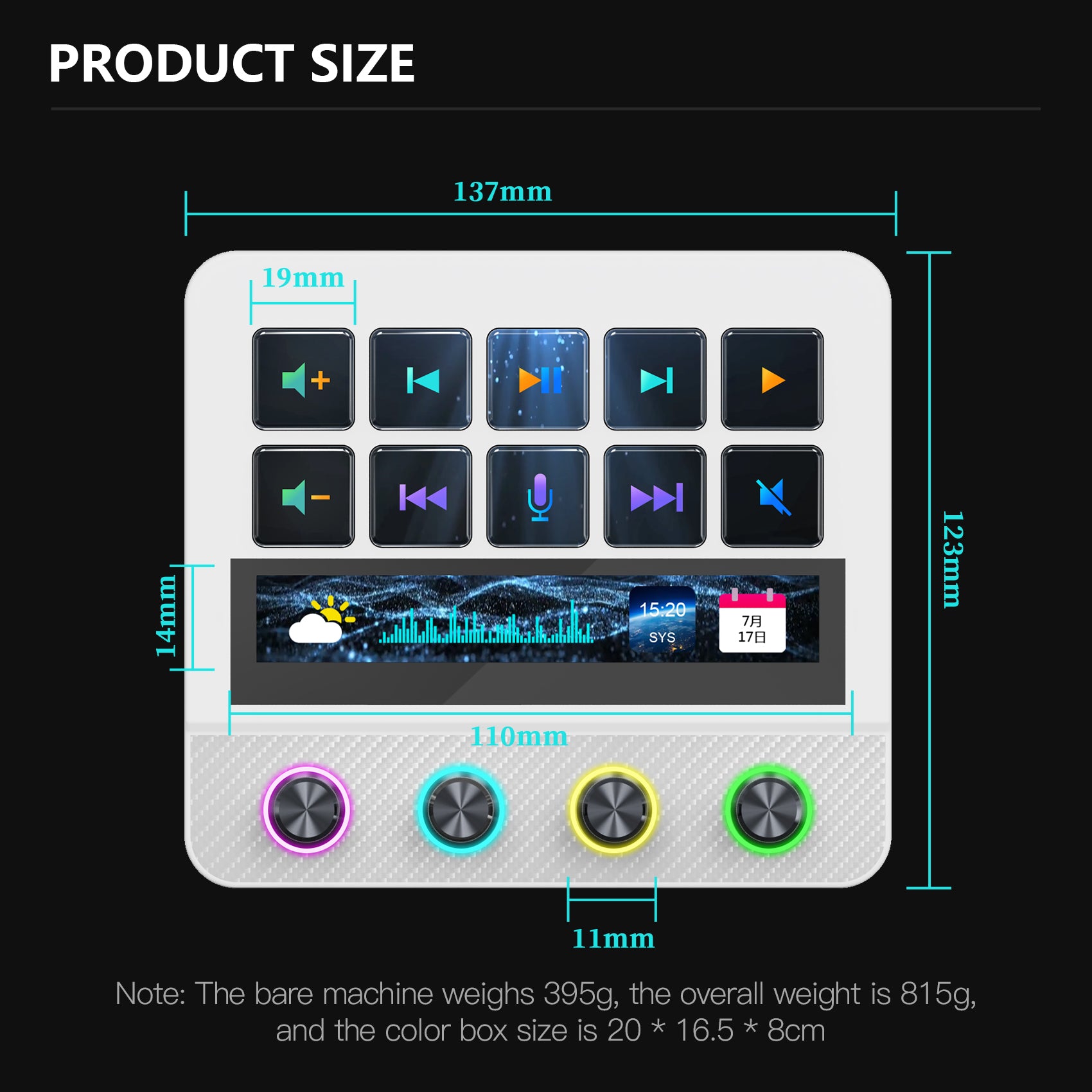
Weight:395g
Size(L*W*H):137*123*37mm
Material:Plastic + Acrylic + Aluminum Alloy
LED touch bar:110*14mm
Key Size: 19*19mm
The details
| Visual keys | 10 customizable LCD keys |
|---|---|
| Knobs | 4 RGB metal knobs |
| Touch control | Touch bar with supported tap and swipe actions |
| Expansion | 2 USB-A + 1 USB-C expansion ports; separate host connection |
| Stand | 0–60° adjustable stand |
| Appearance | Carbon-fiber-style texture; customizable RGB lighting |
| Systems | Windows / macOS; feature availability depends on software and plugins |
Use MiraBox software to configure supported key, knob and touch bar actions. Available assignments depend on the action or plugin.
Install compatible plugins or configure keyboard shortcuts first. App-linked layouts also require setup. Third-party services may require accounts or subscriptions.
The design uses a carbon-fiber-style texture. This does not mean the enclosure is structural carbon fiber.
Yes. The stand supports 0–60° adjustment to suit your desk position.
FIND YOUR CONTROL LAYOUT
Start with the controls you reach for most. Choose a key-focused layout for shortcuts, add knobs for frequent adjustments, or choose N4 Pro for more visual personalization.
Swipe to compare all models on smaller screens.
| Model | Controls at a glance | Choose it when… | Explore |
|---|---|---|---|
| 293S | 15 customizable LCD keys and a small status screen. | You want a key-focused layout for frequently used shortcuts. | View 293S |
| N3 | 6 programmable LCD keys and 3 knobs. | You prefer fewer visible shortcuts alongside rotary controls. | View N3 |
| N4 | 10 LCD keys, 4 knobs and touch control. | You want a combination of keys, knobs and touch interaction. | View N4 |
| N4 Pro THIS MODEL | 10 LCD keys, 4 knobs and a Touch Bar. Plus: customizable knob ring lights and full-screen dynamic backgrounds. | You want multiple control methods with more visual personalization. | Choose your color |